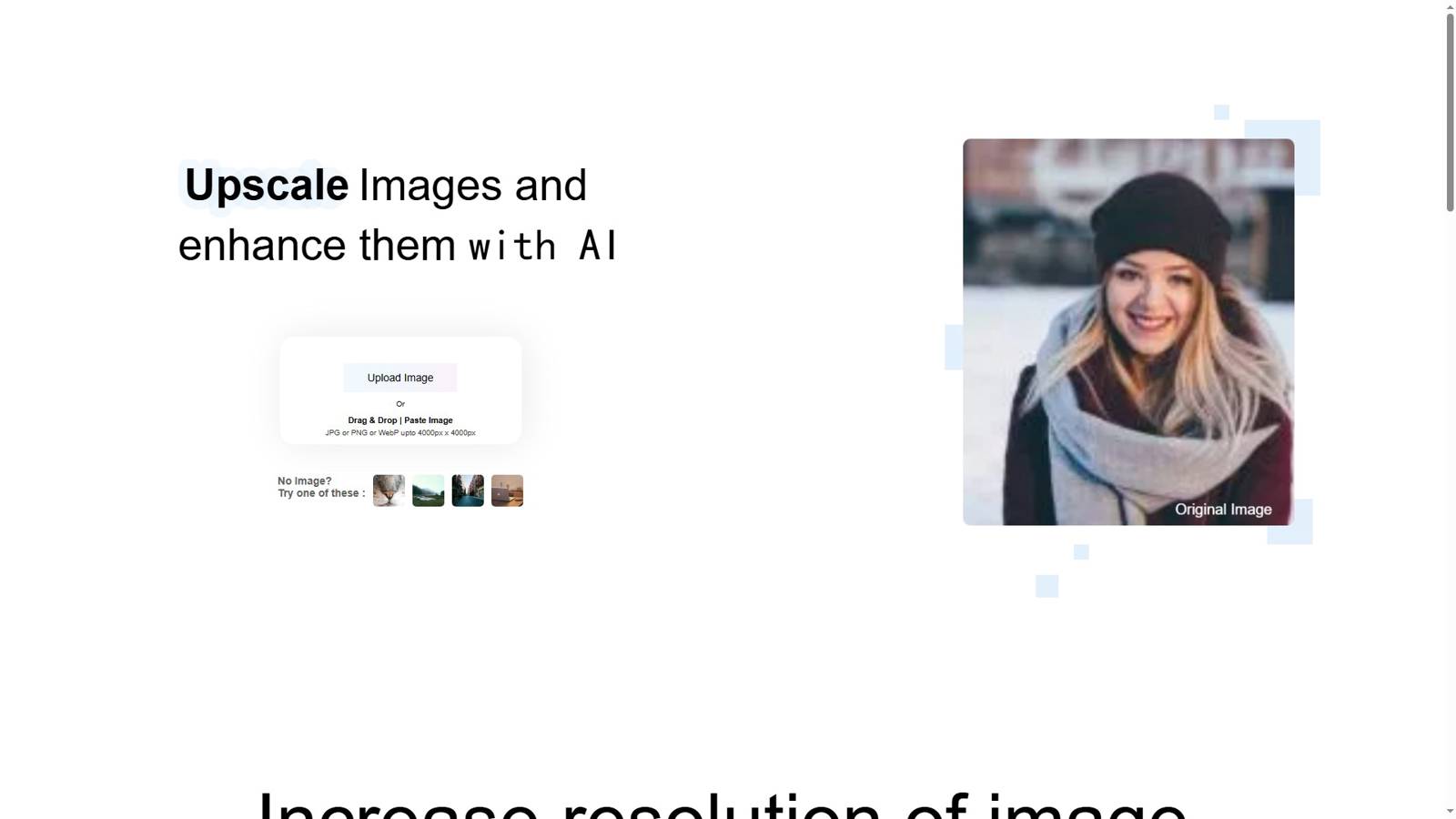
Upscalepics
Upscalepics是一款由人工智能驱动的图像放大工具。其核心技术在于利用先进的AI算法对图像进行分析与处理,从而实现图像分辨率的提升和质量的增强。该产品具有显著的优点,例如能够在放大图像的同时,最大程度地保留图像的细节和清晰度,避免出现模糊和锯齿等常见问题。产品背景方面,随着数字图像在各个领域的广泛应用,对于高分辨率图像的需求日益增长,Upscalepics应运而生,旨在满足用户对图像质量的更高要求。价格方面,文档未提及,可能有免费试用、付费等不同模式。其定位主要面向摄影师、艺术家、平面设计师和企业等有图像质量提升需求的群体。
Introduction to Upscalepics
Upscalepics is a cutting-edge, AI-driven image enhancement platform designed to help photographers, designers, and everyday users improve their visuals effortlessly. If you are looking to upscale picture quality online free, this web-based tool offers a seamless solution without requiring any software installation. Whether you need to restore old photos or prepare high-resolution prints, Upscalepics delivers professional results directly in your browser.
Core Features
Upscalepics provides a comprehensive suite of AI tools to meet various image enhancement needs:
AI Super-Resolution Our advanced algorithms intelligently analyze your images to reconstruct missing details. You can easily upscale picture to 4K resolution while preserving sharpness and minimizing artifacts. The technology supports scaling up to 4x the original size, making it perfect for large-format printing and digital displays.
Automatic Quality Enhancement Beyond simple resizing, the platform automatically adjusts contrast, sharpness, and color balance to upscale picture quality across all image types. Portraits, landscapes, and product photos all benefit from the adaptive enhancement engine.
Noise Reduction & Restoration Remove compression artifacts and digital noise from low-quality source files. This feature works hand-in-hand with upscaling to ensure your final images look natural and professional.
Batch Processing Save time by enhancing multiple images simultaneously. Simply upload your entire gallery and let our servers process them in parallel.
Privacy-First Web Interface As a secure online service, all uploads are encrypted and automatically deleted after processing. You never have to worry about your data being stored permanently.
How to Upscale Pictures in Three Steps
- Upload: Visit https://upscalepics.com/ and drag your images onto the workspace.
- Select Settings: Choose your target resolution. For print-ready files, select the option to upscale picture to 4K.
- Download: Preview the enhanced result and save your high-quality image instantly.
Why Users Trust Upscalepics
When comparing online image enhancers, Upscalepics stands out for several reasons:
- Truly Free Online Access: Unlike competitors with hidden paywalls, you can upscale picture quality online free for standard resolutions, making professional enhancement accessible to everyone.
- Intelligent AI Engine: The proprietary model is trained on millions of image pairs to recognize textures, edges, and patterns accurately.
- Cross-Platform Compatibility: Works on Windows, macOS, Linux, and mobile browsers without downloading apps.
- High-Fidelity Output: Every upscale process prioritizes detail retention, ensuring faces, text, and fine textures remain crisp.
Frequently Asked Questions (FAQ)
Q1: Can I really use Upscalepics to upscale picture quality online free? A: Absolutely. Our basic enhancement and standard upscaling features are available at no cost. You can process a generous number of images daily without a subscription.
Q2: Is it possible to upscale picture to 4K without losing quality? A: Yes. Upscalepics uses AI super-resolution technology to intelligently fill in details that traditional resizing methods cannot. While the original image sets a baseline, our AI significantly improves perceived sharpness and clarity at 4K resolution.
Q3: I searched for "upscale pico" and found your site. Is this the same service? A: Many users looking for quick, compact image enhancement tools arrive by searching for upscale pico or similar terms. Upscalepics is the correct destination—offering powerful yet simple picture upscaling directly from your browser.
Q4: What file formats are supported? A: We currently support JPG, PNG, WebP, and BMP formats. Output is provided in high-quality PNG or JPG to preserve your enhanced results.
Q5: Are my uploaded images kept private? A: Yes. Privacy is a core priority. All images are transmitted via secure HTTPS, processed automatically, and permanently deleted from our servers within one hour.
Q6: Do I need to create an account? A: No account is required for basic use. Simply open the website, upload your photo, and start enhancing immediately.
Final Thoughts
For anyone needing to improve digital assets quickly, Upscalepics offers the ideal balance of power and simplicity. From personal memories to commercial product shots, our AI ensures you can upscale picture quality efficiently. Experience the easiest way to upscale picture to 4K and beyond—try upscale picture quality online free today at Upscalepics.